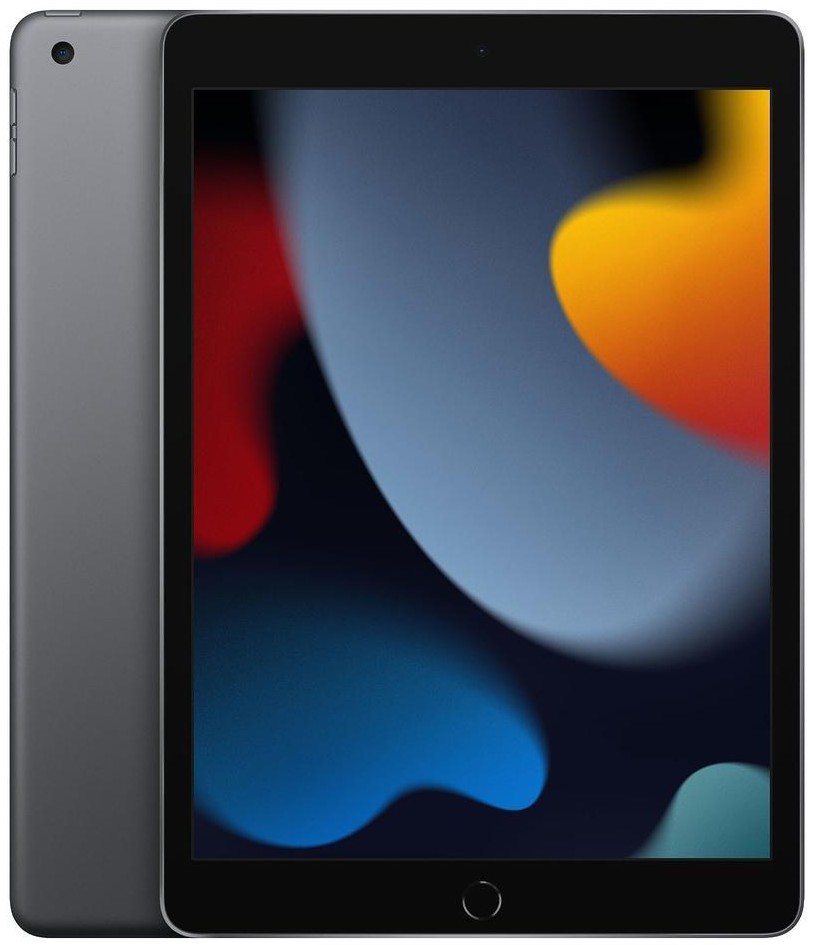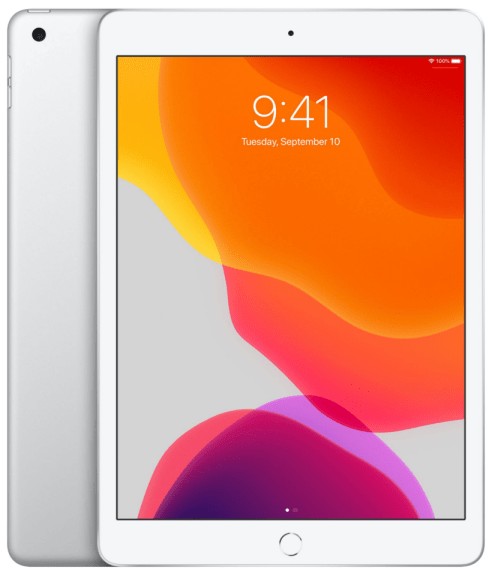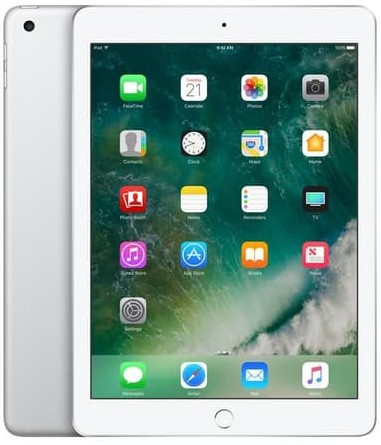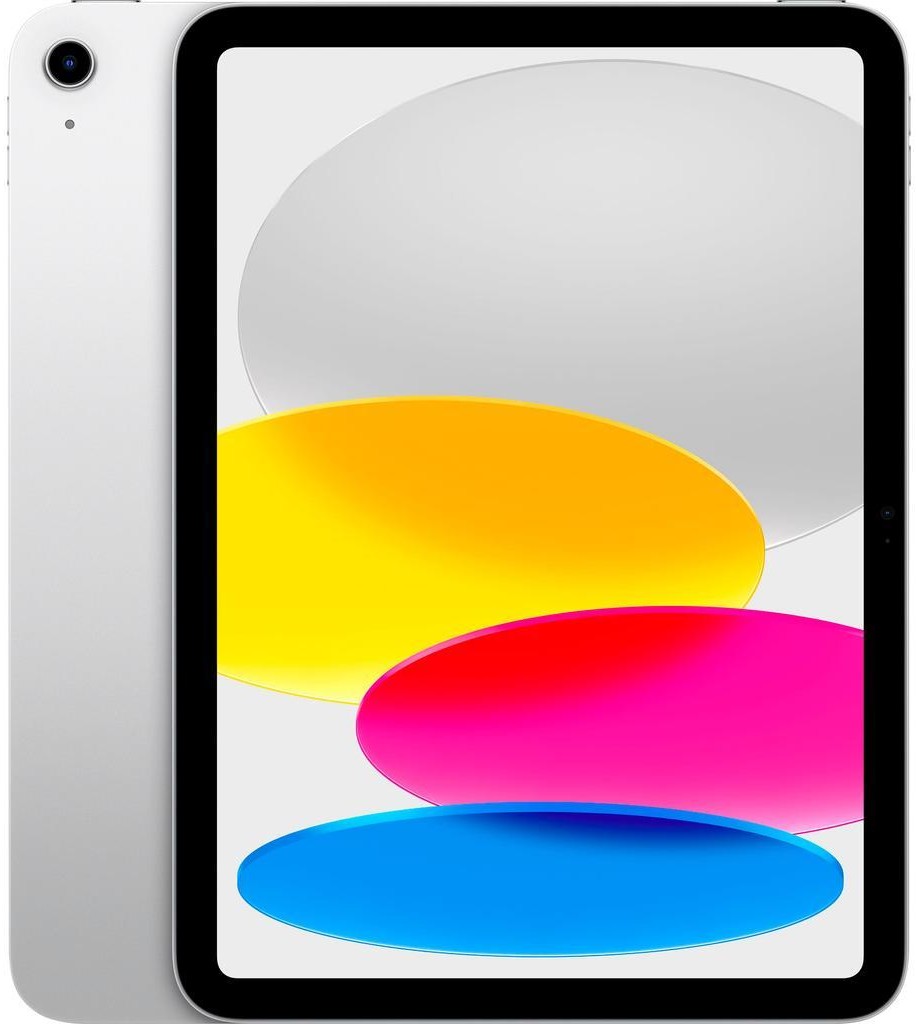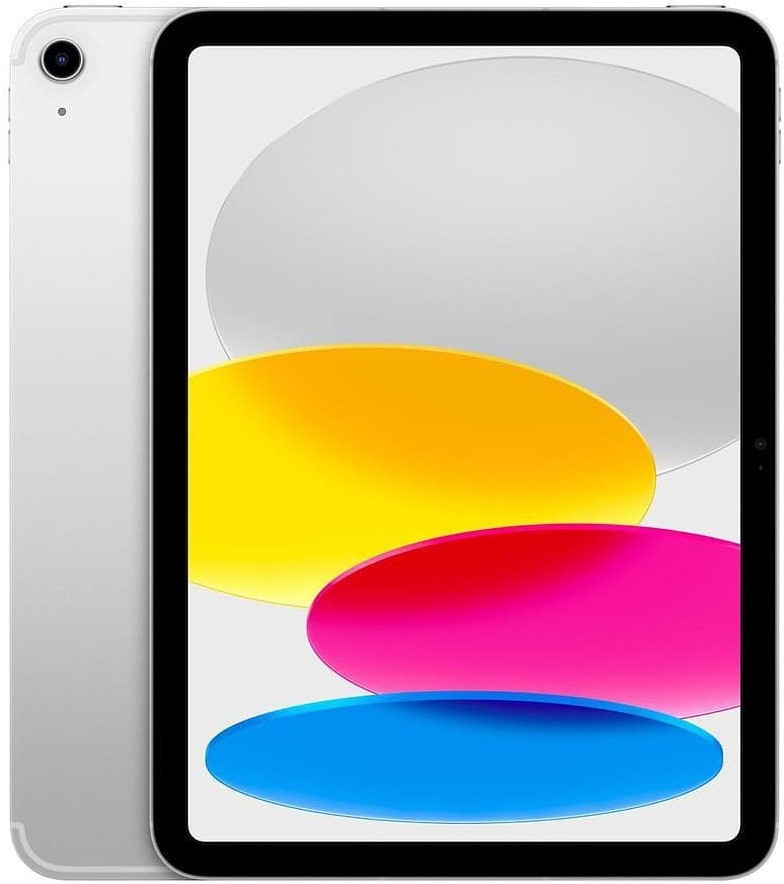
iPad 8th Generation (2020)
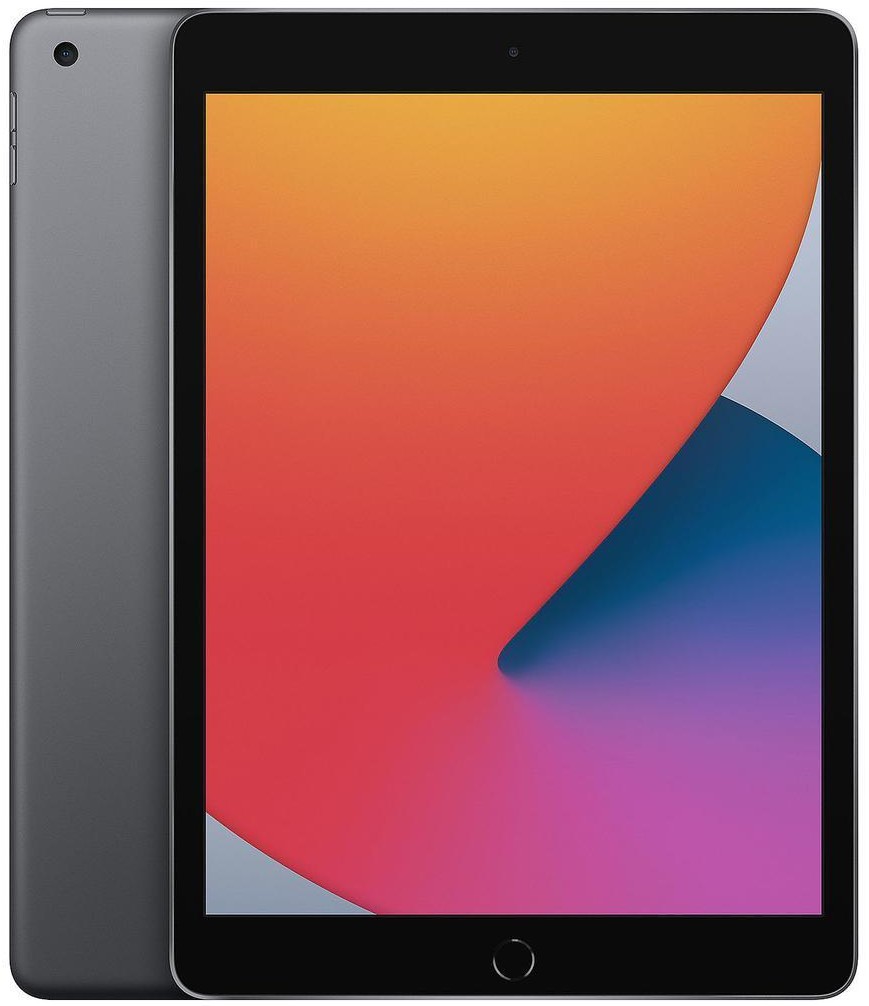
Roll over image to zoom in
$ 91.89
iPad 8th Generation (2020) Refurbished – Complete Buyer’s Guide Why the iPad 8th Generation Still Matters (2020) The iPad 8th Generation, released in September 2020, quietly became one of Apple’s most balanced entry-level tablets. It kept the familiar 10.2-inch design but introduced a significant internal upgrade with the A12 Bionic chip, the same processor used in the iPhone XS. That single change gave this iPad far more longevity than its predecessor. In Apple’s lineup at launch, the 8th Gen sat firmly as the entry-level iPad, replacing the 7th Generation. In 2026, it still holds its ground as one of the best value refurbished iPads available in the UK. It’s powerful enough for modern apps, compatible with Apple Pencil (1st gen), and still supported with security updates. This model suits students, families, and everyday users who want reliable performance without paying for Pro features they’ll never use. Buying the iPad 8th Generation (2020) refurbished makes particular sense because the hardware aged well, while refurbished pricing drops dramatically compared to when it launched at £329 new. Why Choose iPad 8th Generation (2020) Refurbished? The biggest reason to choose the iPad 8th Generation refurbished is the A12 Bionic chip. Compared to the 7th Gen’s A10, Apple measured CPU performance gains of up to 40% and graphics improvements of around 50%. That jump is still noticeable today. You get smooth everyday performance for browsing, streaming, note-taking, and light creative work. What you give up versus newer models is mainly design polish and future-proofing. There’s no USB-C, no laminated display, and no Apple Pencil 2 support. For many people, those trade-offs are reasonable. The refurbished iPad 8th Generation hits a sweet spot between price and longevity. It’s ideal if you want something faster than the 6th or 7th Gen but don’t want to pay extra for the 9th Gen’s modest upgrade. Display & Everyday Viewing Experience The iPad 8th Generation uses a 10.2-inch Retina display with a resolution of 2160 × 1620 pixels at 264 ppi. It’s the same panel size as the 7th Gen, but Apple added True Tone, which automatically adjusts colour temperature based on ambient light. This is not a laminated display, so there’s a small air gap between glass and panel. You’ll notice it when writing with Apple Pencil, but for reading articles, browsing websites, or watching Netflix, it’s not distracting. Brightness peaks at around 500 nits, which is adequate indoors and usable outdoors in shade. Compared to newer models like the iPad 9th Gen, the experience is nearly identical. Compared to older models like the 6th Gen, True Tone makes long reading sessions noticeably easier on your eyes. Performance & Real-World Speed At the heart of the iPad 8th Generation (2020) refurbished is the A12 Bionic chip, built on a 7-nanometre process with a dedicated Neural Engine. It’s paired with 3GB of RAM, which is enough for smooth multitasking in 2025. In real-world use, Safari with 8-10 tabs stays responsive. Apps like Netflix, BBC iPlayer, and YouTube load instantly on Wi-Fi. GarageBand and iMovie run reliably for basic projects, though complex timelines will push limits. Gaming performance remains solid. Titles like Minecraft, Asphalt 9, and Call of Duty Mobile run at stable frame rates on medium-high settings. What it won’t handle well are heavy Procreate canvases or advanced video editing. Thermal performance is consistent. Even after 45 minutes of gaming, the aluminium back warms slightly but doesn’t throttle aggressively. Storage Options & Choosing the Right Capacity The iPad 8th Generation launched with 32GB and 128GB storage options. There is no expandable storage, so choosing wisely matters. iPadOS typically uses 8-10GB after system files and updates. 32GB leaves around 22GB usable. That’s enough for roughly 400 photos, 10–12 apps, and mostly streamed content. 128GB gives around 118GB usable, suitable for 1,500 photos, offline Netflix downloads, school documents, and games. If you stream most media and use cloud storage, 32GB works. If this is your main device or for school, 128GB is the safer choice. Battery Life & Charging Apple rates the iPad 8th Generation at up to 10 hours of web browsing or video playback on Wi-Fi. In refurbished condition, expect 6-8 hours of active screen time, assuming 80% battery health. Most certified refurbished units replace batteries below that threshold. With a healthy battery, you’ll get a full day of casual use – emails, browsing, streaming – without reaching for a charger. Charging happens via Lightning, not USB-C. Fast charging is not supported, and a full charge takes around 3.5 hours with a standard 12W adapter. There’s no wireless charging. Camera Quality & Video Capabilities The rear camera is an 8MP ƒ/2.4 sensor. It’s unchanged from earlier generations and best suited for document scanning or occasional photos. HDR is supported, but low-light quality is limited. The front camera is a 1.2MP FaceTime HD camera. It records 720p video, which is serviceable for Zoom or Teams but noticeably dated compared to newer iPads with Center Stage. For video recording, the rear camera supports 1080p at 30fps. This iPad is not for content creation, but it handles video calls and scanning tasks reliably. Apple Pencil & Accessory Compatibility The iPad 8th Generation supports Apple Pencil (1st Generation) only. Charging happens via Lightning, which some users find awkward, but latency remains low for note-taking and sketching. It also supports the Smart Keyboard via the Smart Connector, making it suitable for light typing tasks. The Magic Keyboard is not compatible. Importantly, this is one of the last iPads with a 3.5mm headphone jack, which still matters for classrooms and wired headphones. Software Support & Update Timeline The iPad 8th Generation launched with iPadOS 14. As of now, it supports up to iPadOS 17, and Apple continues to provide security updates. Based on Apple’s historical support cycle, expect security updates through at least 2026, with app compatibility lasting beyond that. While it may not receive every future feature, core apps will continue working well. Who This iPad Is Best For This iPad works best for: Students aged 11-18 using Google Classroom, OneNote, and Apple Pencil Families needing a shared tablet for browsing, homework, and streaming Casual users upgrading from very old iPads (Air 1, Mini 2, etc.) It’s not ideal for: Professional designers Heavy video editors Users wanting USB-C or Apple Pencil 2 What Refurbished Means for This iPad A certified refurbished iPad 8th Generation typically goes through a 70 point inspection, covering battery health, display, buttons, cameras, and connectivity. Devices are factory reset, data-wiped, and graded cosmetically: Like New Excellent Good Fair All grades perform identically. iPad 8th Generation vs iPad 9th Generation – Which to Buy Refurbished? The iPad 9th Gen uses the A13 chip, which is about 20% faster than the A12. It also adds a better 12MP front camera. However, refurbished price differences are often £40-£60. If you mainly browse, stream, and take notes, the 8th Gen offers better value. Choose the 9th Gen only if front-camera quality matters. Technical Specifications Release Year: 2020 Display Size: 10.2-inch Resolution: 2160 × 1620 at 264 ppi Display Technology: Retina IPS LCD Refresh Rate: 60Hz Chip: A12 Bionic Architecture: 64-bit RAM: 3GB Graphics: 4-core GPU Storage Options: 32GB, 128GB Rear Camera: 8MP, ƒ/2.4 Front Camera: 1.2MP FaceTime HD Video Recording: 1080p at 30fps Battery Capacity: 32.4Wh Battery Life: Up to 10 hours Charging Port: Lightning Charge Time: ~3.5 hours Wi-Fi: Wi-Fi 5 (802.11ac) Bluetooth: Bluetooth 4.2 Cellular: LTE (Cellular models) GPS: Yes (Cellular only) Weight (Wi-Fi): 490 g Colours: Silver, Space Grey, Gold Apple Pencil Support: 1st Generation Model Numbers: A2270, A2428, A2429, A2430 Frequently Asked Questions How reliable is a refurbished iPad 8th Generation (2020)? Certified refurbished iPads undergo a 70 point inspection, testing battery, display, buttons, cameras, Wi-Fi, Bluetooth, and sensors. Any defective parts are repaired or replaced. UK refurbished units typically come with a 12-month warranty, covering hardware failures. Batteries below 80% capacity are replaced. Compared to buying used privately, a refurbished iPad is far more reliable, with tested performance, factory reset security, and quality-checked cosmetic grading. Will the cellular model work on UK networks? Yes. Cellular iPad 8th Gen models are fully unlocked. They support LTE bands used by UK carriers: EE, O2, Vodafone, and Three. They require a Nano-SIM and support GPS for maps and location services. There is no 5G support, so speeds are limited to LTE. Cellular models are ideal if you travel or need internet on the go without relying on Wi-Fi. How good is the battery on a refurbished iPad 8th Generation? Refurbished units have minimum 80% battery health. That translates to 6-8 hours of active use for browsing, streaming, emails, and note-taking. Batteries below this threshold are replaced with genuine parts. Charging takes ~3.5 hours via the included 12W Lightning charger. Compared to a brand-new iPad, refurbished units deliver 90-95% of original battery life, which is sufficient for most daily tasks. Does the iPad 8th Generation support the latest iPadOS? The iPad 8th Gen launched with iPadOS 14 and supports up to iPadOS 17 in 2025. Security updates are active, and most apps remain compatible. Some iPadOS 17 features designed for newer iPads (like advanced multitasking gestures) may be limited, but core functionality – including Safari, Notes, and streaming apps – works flawlessly. Apple is expected to continue security updates through 2026, so it remains viable for everyday use. iPad 8th Generation vs iPad 9th Generation - which should I buy refurbished? The iPad 9th Gen has the A13 Bionic chip, 12MP front camera, and slightly better display. Performance is roughly 20% faster. Refurbished, the price difference is usually £40 – £60. Choose the 8th Gen if you mainly browse, stream, and take notes – it’s excellent value. Opt for the 9th Gen if you need the improved front camera or slightly faster CPU for apps like Zoom, Procreate, or light video editing. Can I use Apple Pencil with the iPad 8th Generation? Yes. It supports Apple Pencil (1st Generation). You can take handwritten notes, sketch, and annotate PDFs. Charging happens via the Lightning port, which is slower and less convenient than the magnetic charging of Pencil 2, but latency is minimal. Pencil 2 is not compatible.